






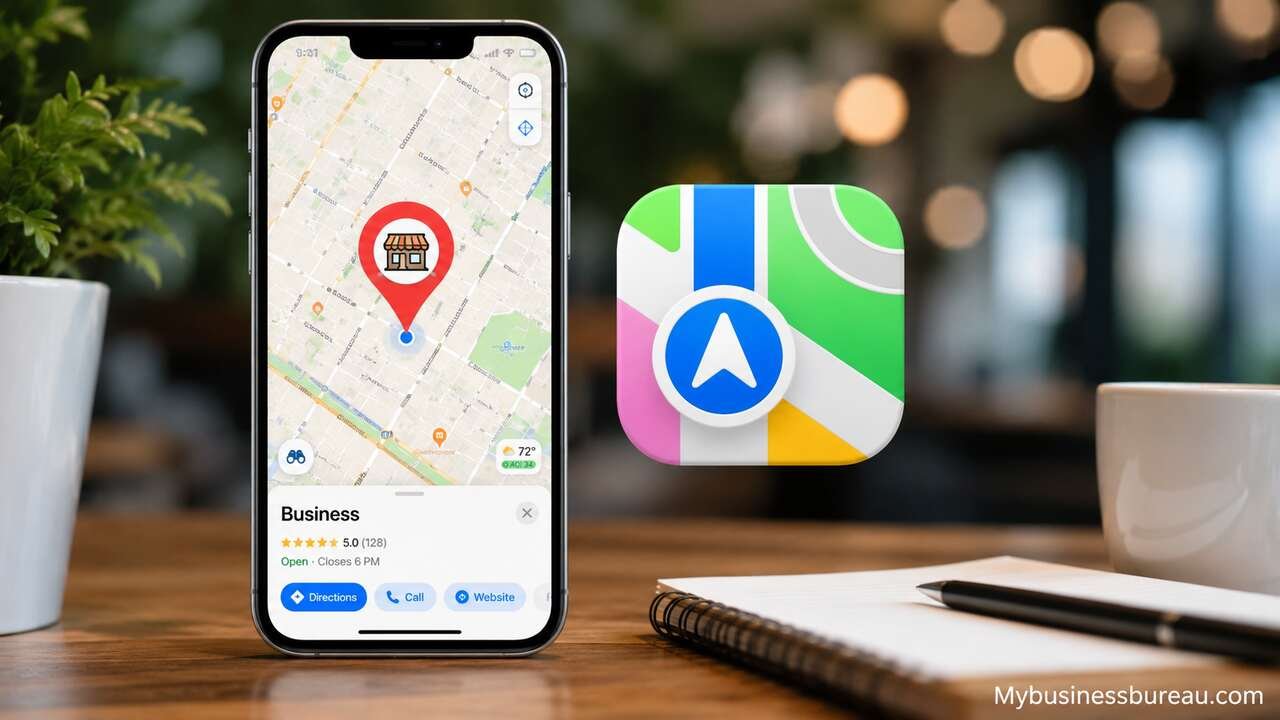
Adding your business to Apple Maps is one of the most effective ways to improve local visibility and help customers discover your location through Apple devices. Millions of people use Apple Maps on iPhones, iPads, Macs, Apple Watches, and CarPlay to search for nearby businesses, get directions, and read business information before making a purchase.
Create an Apple Business Connect Account

The first step is creating an Apple Business Connect account, which serves as the official platform for managing business listings on Apple Maps.
Visit the Apple Business Connect website and sign in using an Apple ID. If you do not already have one, create a new Apple ID specifically for your business. Using a dedicated business account helps maintain long-term access if multiple employees manage your listing.
After signing in, provide your business information, including the legal business name, physical address, business category, phone number, and website. Apple uses this information to identify your business and prepare it for verification.
A Business Connect account also allows you to manage multiple business locations, update operating hours, upload promotional content, and monitor how customers interact with your listing over time.
Enter Accurate Business Information
Your business details must be complete and consistent across all online platforms.
Start by entering your official business name exactly as customers recognize it. Avoid adding promotional keywords or unnecessary descriptions because Apple expects listings to represent real-world business names.
Include your complete street address, primary phone number, website URL, business category, and operating hours. If your business serves customers at their location instead of a storefront, configure the appropriate service area if available.
Accurate information improves customer confidence while reducing navigation errors. It also helps Apple maintain reliable location data across its mapping ecosystem.
Business Information Checklist
| Information | Recommendation | Importance |
| Business Name | Use official registered name | Very High |
| Address | Include complete street address | Very High |
| Phone Number | Local business number | High |
| Website | Official business website | High |
| Category | Choose the closest match | Very High |
| Business Hours | Update regularly | High |
| Business contact email | Medium |
Verify Business Ownership
Verification confirms that you own or manage the business before Apple publishes or transfers control of the listing.
Apple may verify ownership through several methods depending on the business type and location. Verification options can include phone calls, email verification, business documentation, or manual review.
Complete every requested verification step promptly. If Apple requests additional documents, provide clear and accurate records that match your submitted business information.
Once verification is complete, you gain full control over your Apple Maps listing and can edit its information whenever needed.
Select the Most Accurate Business Category
Choosing the correct category helps Apple Maps show your business to the right audience.
Select the primary category that best represents your core service. Many businesses can also add secondary categories where applicable to better describe their offerings.
For example:
| Business Type | Appropriate Category |
| Italian Restaurant | Italian Restaurant |
| Dental Clinic | Dentist |
| Auto Repair Shop | Auto Repair |
| Hair Salon | Hair Salon |
| Coffee Shop | Coffee Shop |
| Real Estate Agency | Real Estate Agency |
| Fitness Center | Gym |
| Bakery | Bakery |
A precise category improves search relevance and increases the chances of appearing for local searches related to your services.
Add High-Quality Photos and Branding
Visual content makes your business listing more appealing and informative.
Upload a professional logo, storefront image, interior photos, products, services, and team photos. High-quality images help customers recognize your location before arriving and create a stronger first impression.
Keep your branding consistent with your website and other business profiles. Update photos periodically to reflect renovations, seasonal displays, or new offerings.
Professional visuals can encourage more customer engagement and improve overall trust.
Update Business Hours and Contact Details
Customers rely on Apple Maps for current information before visiting.
Maintain accurate business hours, including holiday schedules, temporary closures, and special event hours. Incorrect hours can frustrate customers and reduce confidence in your business.
Review your contact details regularly to ensure your phone number, email address, and website remain functional. Prompt updates help customers reach you without confusion.
Consistent maintenance reduces customer complaints and supports a better user experience.
Enhance Your Business Profile
Apple Business Connect offers additional features that can make your listing more informative and engaging.
Consider adding:
- Business description
- Accepted payment methods
- Accessibility information
- Parking availability
- Delivery or pickup options
- Reservation links
- Appointment booking links
- Featured promotions
- Product showcases
- Seasonal announcements
These enhancements provide customers with useful details before they decide to visit your business.
Maintain Consistent Business Information Across the Web
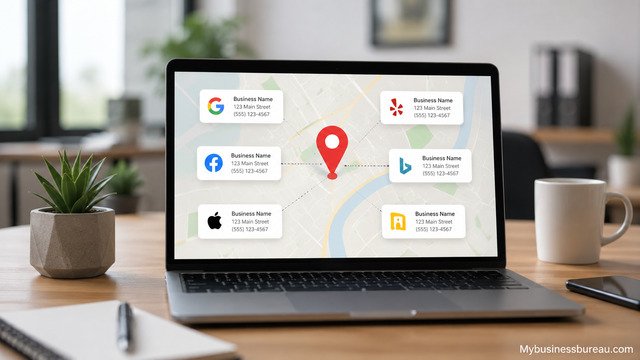
Consistency strengthens your overall local search presence.
Ensure that your business name, address, and phone number remain identical across your website, social media accounts, online directories, and other map services. Even small differences can create confusion for customers and reduce confidence in your business information.
Regularly review your listings to identify outdated details or duplicate entries. Keeping your information synchronized across platforms supports accurate search results and a smoother customer experience.
Monitor and Update Your Listing Regularly
Managing your listing is an ongoing process rather than a one-time task.
Review your Apple Maps profile periodically to confirm that all information remains accurate. Update photos, business hours, contact details, and promotional content whenever changes occur.
If you open additional locations, relocate your business, or expand your services, reflect those changes in Apple Business Connect as soon as possible. An actively managed listing helps customers receive reliable information and reinforces your professional image.
Solve Common Apple Maps Listing Issues
Occasionally, businesses encounter challenges during setup or management.
Common issues include:
| Problem | Possible Solution |
| Verification delayed | Wait for Apple’s review or submit requested documents |
| Incorrect map location | Edit the pin location within Business Connect |
| Duplicate listing | Request a merge or removal through Apple support |
| Wrong business hours | Update immediately after schedule changes |
| Ownership conflict | Complete Apple’s ownership verification process |
| Business not appearing | Verify listing status and ensure all required information is complete |
Most issues can be resolved by ensuring your business information is accurate and responding promptly to any requests from Apple.
Strengthen Local Search Performance
Adding your business to Apple Maps is only one part of a successful local marketing strategy.
Combine your Apple Maps listing with an optimized website, accurate business profiles on other major mapping and directory services, local content, customer reviews, and active social media profiles. These efforts reinforce your online presence and make it easier for customers to find and trust your business.
Regular updates and consistent information help maintain visibility as your business grows and changes over time.
Conclusion
Adding your business to Apple Maps is a straightforward process that can significantly improve your local visibility and customer accessibility. By creating an Apple Business Connect account, providing accurate business information, completing verification, selecting the correct business category, uploading high-quality images, and keeping your listing updated, you create a reliable presence that helps customers find and choose your business.
Treat your Apple Maps profile as an ongoing marketing asset rather than a one-time setup. Regular maintenance, consistent business information across the web, and thoughtful profile enhancements will help your business remain competitive in local search results and provide customers with the information they need to visit or contact you.
FAQ’s
After successful verification, many listings appear within a few days, although some may require additional review and take longer depending on Apple’s verification process.
Yes. Apple Business Connect allows businesses to create, claim, verify, and manage their Apple Maps listings at no cost.
Yes. Apple Business Connect supports businesses with multiple locations, making it easy to manage listings from a single account.
Yes. You can update regular business hours, holiday schedules, and temporary closures whenever necessary through your Business Connect dashboard.
You can request ownership through Apple Business Connect. Apple will review your request and may ask for documentation to verify your authority to manage the listing.
While an Apple Maps listing is not a direct ranking factor for all search engines, it improves local discoverability, provides consistent business information, and helps customers find your location through Apple devices, contributing to a stronger overall local search presence.


